Imagine this: You’re all set to immerse yourself in your favorite playlist or catch up on that podcast everyone’s talking about. You slip on your headphones, ready for the sound to whisk you away.
But then, something’s off. Maybe there’s a crackle, or perhaps there’s silence when there should be sound. Frustrating, right? You’re not alone in this experience. Many people face the dilemma of headphone issues and wonder, “What should I do next?
” You’re about to uncover the secrets to troubleshooting and deciding the best course of action when your headphones don’t perform as expected. This guide is crafted with you in mind, offering simple, effective solutions to keep your audio experiences seamless and enjoyable. Stay tuned to transform your headphone woes into a symphony of solutions!
Assess The Damage
Identify the problem with your headphones first. Check for visible damage or loose connections. Decide if repair or replacement is needed based on severity.
Assessing the damage to your headphones is a crucial first step in deciding whether to repair or replace them. This process can help you understand the extent of the issue and the best course of action. By taking a closer look, you can save yourself time and potentially money.Check For Physical Damage
Begin by examining the exterior of your headphones for any visible signs of wear and tear. Look for broken or cracked parts, especially around the hinges and ear cups. Loose or frayed wires can also be a common culprit, especially if your headphones are older or have been frequently used. If your headphones have a detachable cable, inspect the connectors. A damaged connector can easily disrupt sound quality. Have you noticed any missing parts? These could easily impact the functionality of your headphones.Test The Sound Quality
Once you’ve checked for physical damage, it’s time to assess the sound quality. Plug your headphones into a reliable audio source and play a track you’re familiar with. Listen carefully for any distortion, imbalance, or lack of sound in one or both ears. Does the sound cut in and out? This could indicate an internal wiring issue. Try adjusting the cable or gently moving the headphones to see if the sound changes. Can you hear a buzzing or hissing noise? This might suggest a problem with the drivers or connections inside the headphones. Testing with different devices can help rule out issues with your audio source. If the problem persists across multiple devices, it’s likely the headphones themselves. By carefully evaluating these aspects, you can make an informed decision about what steps to take next. Are you ready to fix them yourself, or is it time to consider new headphones?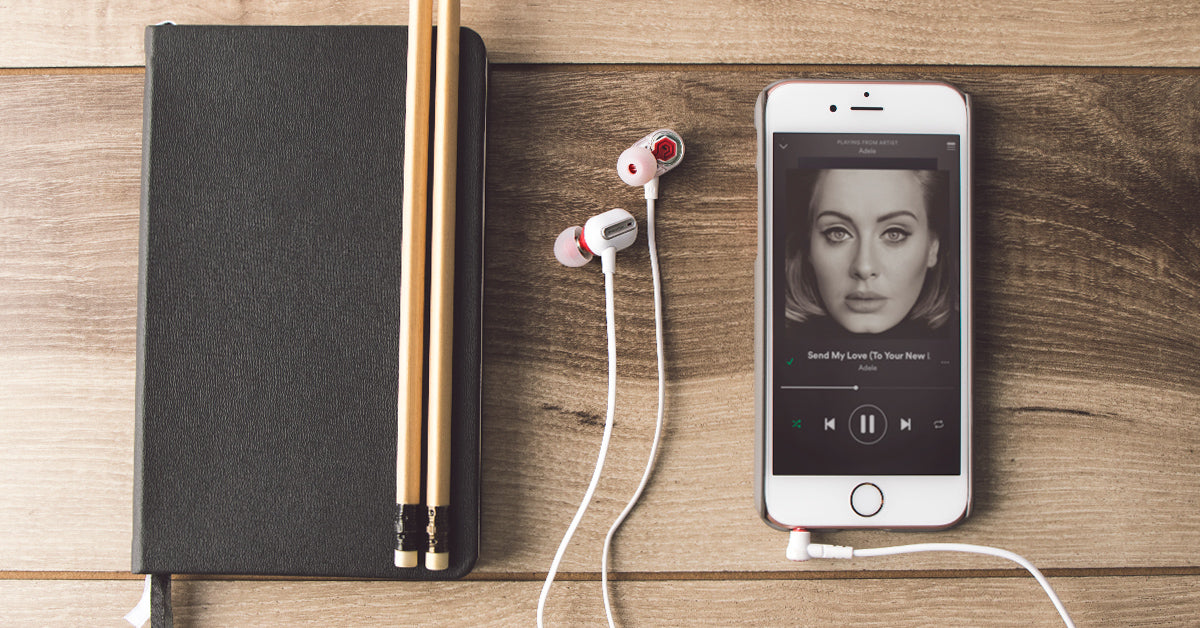
Credit: phiaton.com
Diy Fixes
Deciding on a solution for headphones can be tricky. Identify the problem first—sound issues or connection troubles. Then, explore simple fixes like adjusting settings, cleaning plugs, or checking cables.
If you’re like most people, your headphones are a lifeline to the world of music, podcasts, and audiobooks. But what happens when they stop working? Instead of rushing to buy a new pair, consider trying some DIY fixes. They can save you money and even give you a sense of accomplishment. Let’s dive into some practical ways to fix common headphone issues.Repairing The Cable
A frayed or broken cable can make your headphones useless. Before you toss them, inspect the cable for visible damage. You can use electrical tape to secure minor tears. For more serious damage, consider replacing the cable altogether. It might sound complicated, but it’s often just a matter of opening the earpiece and swapping the old cable with a new one. Don’t have a replacement cable? Look online or visit an electronics store. You’ll be surprised at how affordable they are.Fixing A Loose Jack
A loose headphone jack can be annoying, causing sound to cut in and out. This can happen when the jack becomes worn or bent. Check if the issue is with the jack itself or the port. If the jack is bent, gently straighten it with pliers. Be careful not to apply too much force. If the port is the problem, try using a cotton swab with a bit of rubbing alcohol to clean it. Dirt and debris can make the connection unstable.Replacing Ear Pads
Worn-out ear pads can make wearing headphones uncomfortable. Luckily, replacing them is one of the easiest fixes. Look for replacement ear pads that fit your model. Many third-party options are available that are just as good as the originals. To replace them, carefully remove the old pads. Most snap or slide off easily. Attach the new ones by aligning them with the clips or grooves on your headphones. Taking care of these small repairs not only enhances your listening experience but also extends the life of your headphones. What DIY headphone fixes have you tried? Share your experiences and tips in the comments!Professional Repair
Choosing what to do when headphones malfunction involves considering repair options. Start by assessing the issue, whether it’s sound quality, broken parts, or connectivity. Seeking professional repair services ensures your headphones get expert care, extending their lifespan and maintaining performance.
Choosing the right professional repair service for your headphones can save you time and money. When your headphones break, it might be tempting to buy a new pair. However, opting for professional repair can be a smarter and more sustainable choice. It ensures your beloved headphones continue to deliver top-notch sound while also reducing electronic waste.When To Seek Help
Knowing when to seek professional help is crucial. If your headphones have physical damage, like broken wires or a snapped headband, a DIY fix might not cut it. Have you noticed a drop in sound quality or persistent static? These can be signs of internal issues that require expert attention. Are you constantly adjusting your headphones to make them work? This is a clear indicator that professional repair is needed.Finding A Repair Service
Finding a reliable repair service can be as simple as a quick online search. Look for services with positive reviews and testimonials from satisfied customers. Does the repair shop offer a warranty on their work? This can be a good sign of their confidence in quality. Compare prices, but remember that the cheapest option isn’t always the best. A higher price might reflect better service or more experienced technicians. Have you considered asking friends or colleagues for recommendations? Personal experiences can guide you to trustworthy services. Reflect on your past experiences with repair services. Did you feel heard and understood? This can make a difference in choosing the right repair service.Warranty And Support
Headphones are a part of daily life. When issues arise, warranty and support can help. Knowing what the warranty covers is key. Also, understanding how to contact support saves time. These steps ensure you get the help you need.
Checking Warranty Coverage
First, find the warranty document. It’s usually in the box or online. Read it carefully. Look for details about coverage. Some warranties cover only defects. Others cover more. Check if accidental damage is included. See how long the warranty lasts. This information is crucial. It tells you what repairs or replacements you can get.
Contacting Customer Support
If your issue falls under warranty, contact support. Check the brand’s official website. Find the customer support section. Look for phone numbers or email addresses. Some companies offer live chat. This can be a fast way to get help. Explain your issue clearly. Provide details about your headphones. Include purchase date and warranty status. This information helps them assist you better.
Consider Replacement
Choosing what to do when headphones act up can be tricky. Consider replacement if sound quality fades or wires fray. Explore budget-friendly options and read user reviews before deciding on new headphones.
When your headphones start to fail, you might wonder whether to repair them or consider replacement. While repairs can sometimes work, often they’re a temporary fix. Replacement can be a more cost-effective and lasting solution. It also opens up the opportunity to explore exciting new models that could enhance your audio experience. Let’s dive into how you can make an informed decision about replacing your headphones.Evaluating Replacement Cost
Before you decide to replace your headphones, it’s crucial to evaluate the cost. Check the price of new headphones compared to repair costs. Sometimes, repairs can be just as pricey as buying new. Imagine you’re faced with a $50 repair fee for your $100 headphones. Would it be wiser to invest in brand-new headphones with upgraded features? Consider your budget and the long-term value. Replacement may offer better sound quality, durability, and warranty. Don’t forget to factor in hidden costs like shipping or service fees. Comparing these costs helps you make a financial decision that suits your needs.Exploring New Models
Exploring new headphone models is like opening a door to innovative audio experiences. Think about the advancements in technology over the past few years. Noise-canceling features, wireless connectivity, and ergonomic designs can drastically improve your listening experience. Take your time to research. Use online reviews, compare specifications, and think about what features matter most to you. If you love bass-heavy music, look for models with enhanced bass. If comfort is your priority, check for lightweight designs with plush ear cushions. Have you ever tried headphones with a built-in assistant? It could add ease to your daily routine. As you explore, ask yourself: What features would enhance my lifestyle and listening habits? In the end, choosing to replace your headphones can be a rewarding decision. It’s about finding what fits your personal needs and preferences. What are you waiting for? Dive into the world of fresh audio experiences and see how the right pair of headphones can transform your days.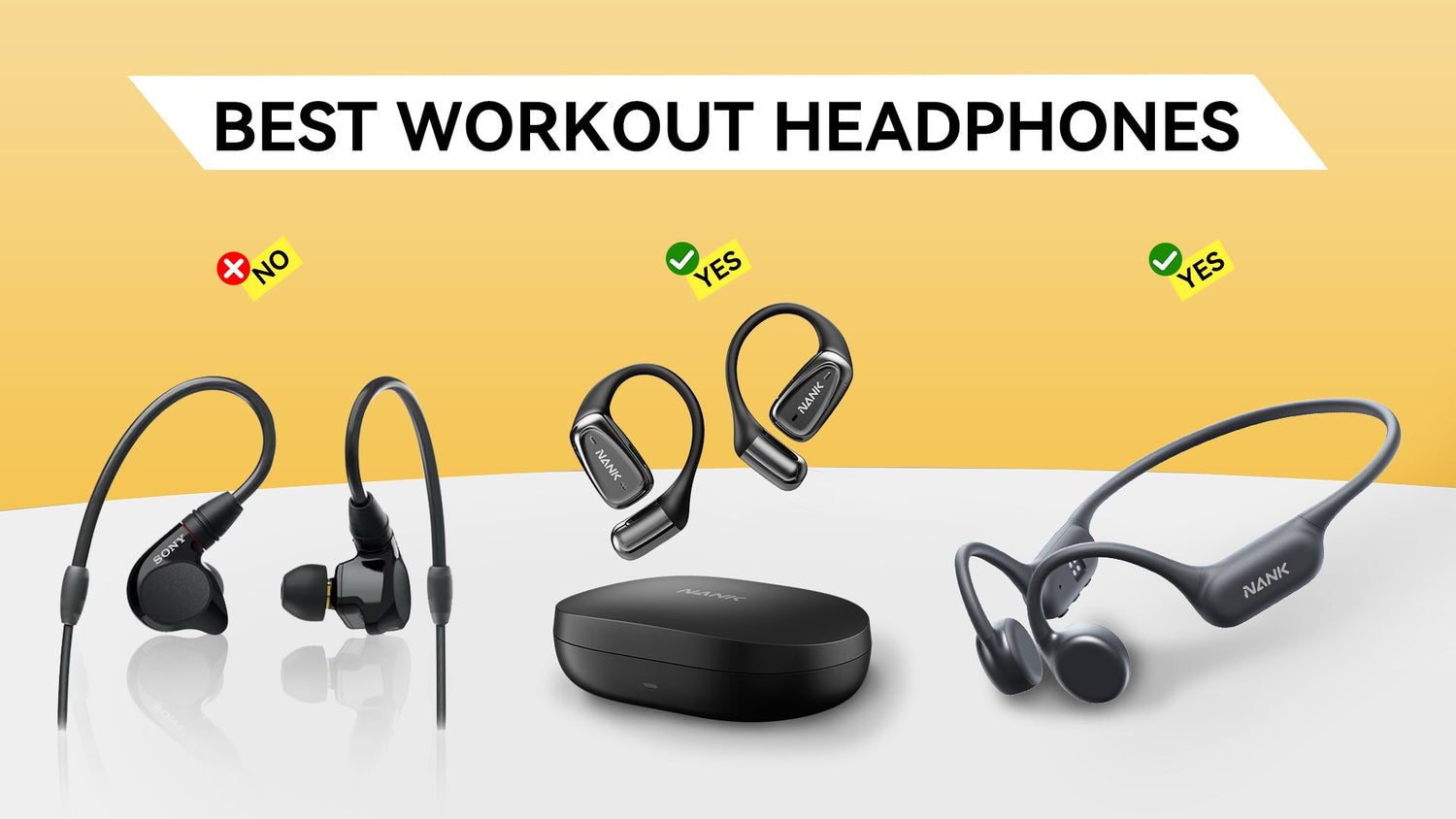
Credit: naenka.com
Sustainable Disposal
Choosing sustainable disposal for old headphones is important. Consider recycling to reduce electronic waste. Donate working headphones to charities for reuse.
When your headphones have finally reached the end of their life, disposing of them responsibly is crucial. Sustainable disposal not only helps the environment but also sets a precedent for mindful consumption. Let’s explore some practical ways you can ensure your old headphones have a second life, or at least, meet their end sustainably.Recycling Options
Recycling your headphones is a straightforward way to dispose of them sustainably. Many electronics stores offer recycling programs where you can drop off old tech gear, including headphones. Check if your local waste management facility has a special electronics recycling day. Some brands have take-back programs, encouraging you to send back your old devices for proper recycling. This can be a great option if you prefer to stick with a brand you trust. If you’re curious whether your headphones are recyclable, look at the materials. Components like plastic and metal are often recyclable, but it’s always best to confirm with a professional.Donating Usable Parts
Have you considered donating parts of your headphones that are still functional? Even if the device is broken, components like earpads, cords, or adapters might still be usable. Local repair shops or community tech groups often welcome donations of spare parts. This can be an excellent opportunity to support small businesses or educational programs. Why not ask around in your network? Friends or family might appreciate spare parts for their own DIY repair projects. Your contribution could save someone else the cost and hassle of buying new accessories. By choosing sustainable disposal methods, you contribute to a healthier planet and foster a community of conscious consumers. How will you make your next disposal decision more sustainable?
Credit: www.nytimes.com
Frequently Asked Questions
How To Decide On Headphones?
Consider sound quality, comfort, and design. Check reviews for reliability and durability. Ensure compatibility with your devices. Set a budget and compare features within that range. Test them, if possible, before buying.
How Do I Change The Settings For My Headphones?
Access your device’s audio settings or headphone app. Adjust volume, balance, and sound profiles as needed. Ensure your headphones are connected properly. Save changes and test the settings for optimal performance.
What Is The 60-60 Rule For Headphones?
The 60-60 rule suggests using headphones at 60% volume for no more than 60 minutes. This helps prevent hearing damage by limiting exposure to loud sounds. Regular breaks and reduced volume are key to maintaining ear health.
How To Stop Headphones From Hurting Ears?
Adjust the headphone fit and choose over-ear models for comfort. Take regular breaks to reduce ear strain. Lower the volume to prevent discomfort. Opt for cushioned earpads to enhance comfort. Clean headphones regularly to avoid irritation.
Conclusion
Choosing the right headphones takes thought and care. Consider your needs first. Do you want comfort or sound quality? Check the budget next. Many options fit different price ranges. Don’t forget to read reviews. They offer real user experiences. Try headphones before buying, if possible.
This helps ensure a good fit. Ask friends for recommendations. They might suggest models you missed. Compare features, too. Some headphones have noise-canceling or wireless options. Finally, trust your instincts. You know what feels right. Happy listening!